7 October 2026 · Stefan Simić
How to Create Great Scroll-Triggered Animations for Your Website
Learn practical tips and examples on making scroll-triggered animations that enhance user experience on your website without slowing it down.
If you want to make your website more engaging, scroll-triggered animations are one of the best tools you can use. These animations activate as visitors scroll down the page, creating a dynamic and interactive experience that keeps users interested.
What Are Scroll-Triggered Animations?
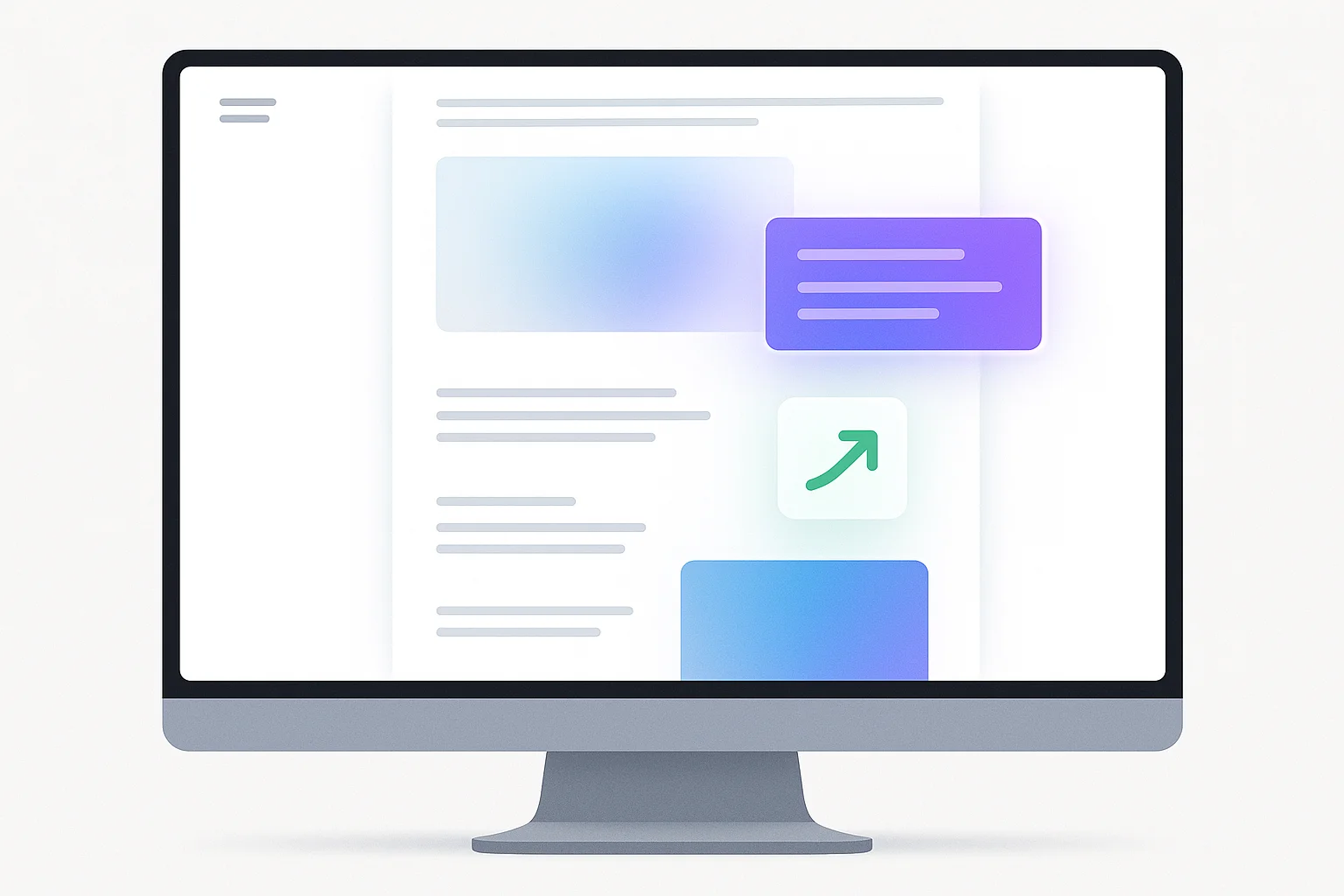
Scroll-triggered animations are visual effects that start or change based on a user's scrolling position. For example, elements can fade in, slide, or transform as the user moves down the page.
Why Use Scroll Animations?
- They make your site feel modern and interactive.
- They guide users’ attention to important content.
- They break up long pages to keep visitors engaged.
How to Build Good Scroll Animations
- Keep Performance in Mind: Use lightweight libraries like GSAP ScrollTrigger or pure CSS animations where possible to avoid slowing down your site.
- Be Subtle and Purposeful: Avoid overwhelming visitors with too many animations. Focus on enhancing key sections like headers, product highlights, or calls to action.
- Test on Different Devices: Animations can behave differently on mobile vs desktop. Make sure they look smooth everywhere.
- Use Simple Effects: Fade-ins, slide-ups, and scale transformations are effective and easy to implement.
- Plan Animation Timing: Sync animations with scrolling speed so they feel natural, not rushed or laggy.
Tools and Libraries to Consider
- GSAP ScrollTrigger: A powerful JavaScript library for complex scroll animations.
- AOS (Animate On Scroll): Easy to use and lightweight CSS-based animation library.
- Intersection Observer API: A browser API for detecting when elements enter the viewport, useful for triggering animations without extra libraries.
Real Example
Imagine a clinic website where services fade in as you scroll down. The header image gently zooms out, revealing appointment buttons that slide up. This guides visitors naturally toward booking.
Timeline and Costs
- Simple scroll animations using CSS or AOS can be done in a day or two.
- More complex animations with GSAP might take 3-5 days depending on scope.
- If you hire a developer, expect costs from $500 to $2000 depending on complexity.
What’s Worth It?
If your website’s goal is to impress visitors and increase engagement, adding scroll animations is worth the investment. It’s especially useful for service companies, clinics, and startups wanting to stand out.
Final Thoughts
Scroll-triggered animations can transform your website from static to memorable. Keep animations purposeful, lightweight, and tested across devices. If you want professional help with these animations, simicdev offers tailored solutions to fit your business needs.
Takeaway
Good scroll animations boost user engagement without sacrificing performance. Start with simple effects, test thoroughly, and use the right tools to create an interactive experience your visitors will remember.